
How to Redeem Bending Grounds Codes
Nation select, Character Customization, More Spins, Codes tab, exact Claim.
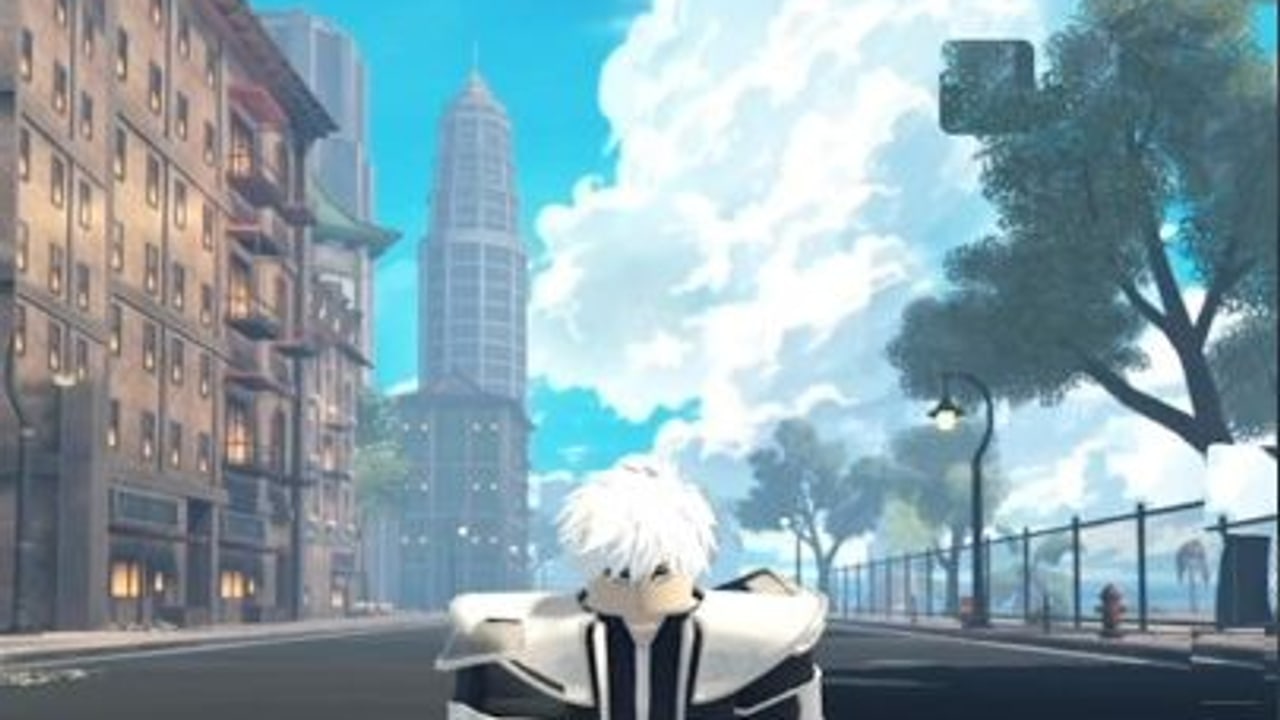
Codes in [BETA] Bending Grounds only work if you claim them in the right menu. The arena HUD does not have a gift box. You redeem during Character Customization, after Nation select, through a More Spins panel that sits on the right side of the screen. Miss that panel and the working strings on the codes hub look broken even though they are not.
This walkthrough covers the public beta on mobile, console, and PC. The Roblox place (103745056080809) still carries the [BETA] label, so button placement can shift after a shutdown. If a step disappears, re-read this page and confirm in the official Discord rather than pasting the code into chat.
Before you type anything
- Join Bending Grounds on Roblox.
- Finish the Nation prompt. You cannot open customization until a Nation is chosen.
- Stay in Character Customization. Do not queue into a round yet.
- Look at the element currently sitting on your selected slot. Current Slot Spins reroll that slot, not a hidden stash.
- Decide whether you want more rolls on this element or a fresh start. Open the spin planner if you are aiming at Water, Air, or another specific kit.
If you are brand new, skim Getting Started after you Claim, not before. Spins are easier to waste than to earn.
Step-by-step claim
- Launch the experience on Mobile, Console, or PC. All three platforms share the same customization menus; only the cursor versus thumb layout changes.
- Select a Nation. Fire, Water, Earth, and Air are the core choices. Chi Blockers are a separate style and are not paywalled, but you still pass through this Nation / customization flow before codes.
- Open Character Customization. This is the screen with your avatar, slot, and spin controls. R6 avatars are the expected body type in this battleground.
- Click More Spins on the right side. On a phone this control is easy to cover with your thumb. On a controller, nudge focus to the right-hand panel rather than the center avatar.
- Scroll to the Codes tab. More Spins is not the Codes tab by itself. The panel usually opens on a shop or spin view. Scroll until you see a text field labelled for codes.
- Type the code exactly. The working strings are
YokuCinematic,MasterKuruk,Avatardan,StrongHeu,Blueprint,PaintedLady,PrettyVFX,Over1000,ClanSystemSoon,SunMaster,NewAir, andWeGotPlant. They are case-sensitive. Do not add spaces. - Press Claim. Wait for a success or fail message. If nothing happens, you are still on the wrong tab, or the field never received the string.
Repeat for every working code. YokuCinematic grants 17 Current Slot Spins. MasterKuruk grants 13. Avatardan grants 11. StrongHeu and Blueprint each grant 12. PaintedLady and PrettyVFX each grant 5. Over1000 grants 3. ClanSystemSoon grants 6. SunMaster grants 5. NewAir grants 5. WeGotPlant grants 6. That is up to 97 spins if you claim all twelve on the right slots.
Platform notes
PC, mobile, and console share the same More Spins panel. On a phone, rotate to landscape and scroll inside the panel. On a controller, watch for a trailing space from the on-screen keyboard. Redemption is local to your customization session, so you do not need an empty 18-player server. A mid-claim shutdown can drop the input; rejoin and try Claim again before you assume the code died.
Why Claim fails
Most “dead code” reports are UI mistakes:
- Wrong tab. Spins shop and Codes sit in the same More Spins panel. Scroll.
- Wrong screen. The in-round emote menu and chat cannot redeem.
- Case or spacing.
New Air,newair, andWe Got Plantall fail. - Already claimed on this account. A success does not repeat. Check your spin count instead of the chat.
- Expired or fake. Anything missing from the working list belongs on the expired tracker until Discord confirms it.
- Inventory lag. After a patch, wait a few seconds for the panel to load before typing.
Codes usually drop on elemental updates, new slots, major patches, and community milestones. Air produced NewAir. Plant produced WeGotPlant. The September 2026 wave produced nine new strings. After those kinds of drops, this same More Spins path is the claim method; the developers have not added a second gift inbox in the public beta.
Slot order and what to do after Claim
Current Slot Spins change how you fight. After you land a kit, lab it: water combos and the Hama quest for Water, funnel tools for Air. Ranking up still unlocks extra master moves, so a lucky Plant roll does not skip training.
After a successful Claim:
- Count the spins on the current slot.
- Either spend them here or switch slots first if the UI allows a different current slot.
- Compare the result with the element tier list and sub-bending list.
- Jump into training, then PvP. Do not alt-tab to a script promising auto-spins. Codes are typed in-game.
If you follow TikTok @BendingGrounds or the Discord, screenshot the Claim result. A still of the Codes tab beats a comment that says a new string “always works.”
The More Spins control is the entire trick. Players who skip it type codes into chat, into Nation select, or into a random executor window and then blame the codes list. Stay in Character Customization, open the right-side panel, scroll to Codes, and Claim while the slot you care about is still selected. That habit survives all twelve codes and whatever the next public-beta patch hangs on the same menu.
Frequently Asked Questions
Quick answers to the most common questions.
Where is the Codes tab in Bending Grounds?
Inside Character Customization after you pick a Nation. Click More Spins on the right side, then scroll to the Codes tab. It is not in the arena HUD.
Can I redeem codes during a PvP round?
No. Leave the round, return to Character Customization, and use More Spins. Typing a code in chat will not grant Current Slot Spins.
Do mobile and console use a different redeem menu?
No. Mobile, console, and PC share the same flow. Only the way you focus the right-side panel changes. Scroll inside the panel on phones so the Codes field is visible.
What should I do if Claim does nothing?
Confirm you are on the Codes tab, delete extra spaces, match case, and check the working codes list. If the string is missing, see the expired tracker. After a shutdown, rejoin and try once more.
Should I redeem before or after I spin?
Redeem while the slot you want to invest in is selected. If you like the current element, Claim first so the extra spins land there. If you already planned to reroll, spin the junk result first, then Claim.
Is there a second place to enter codes?
Not in the public beta. Ignore loadstring paste boxes on scripts pages and third-party "key" forms. The only supported field is the in-game Codes tab.